Docs / Data Management
Warehouse connections
Browse the warehouses you can connect to your Space and use as destinations for your data links.
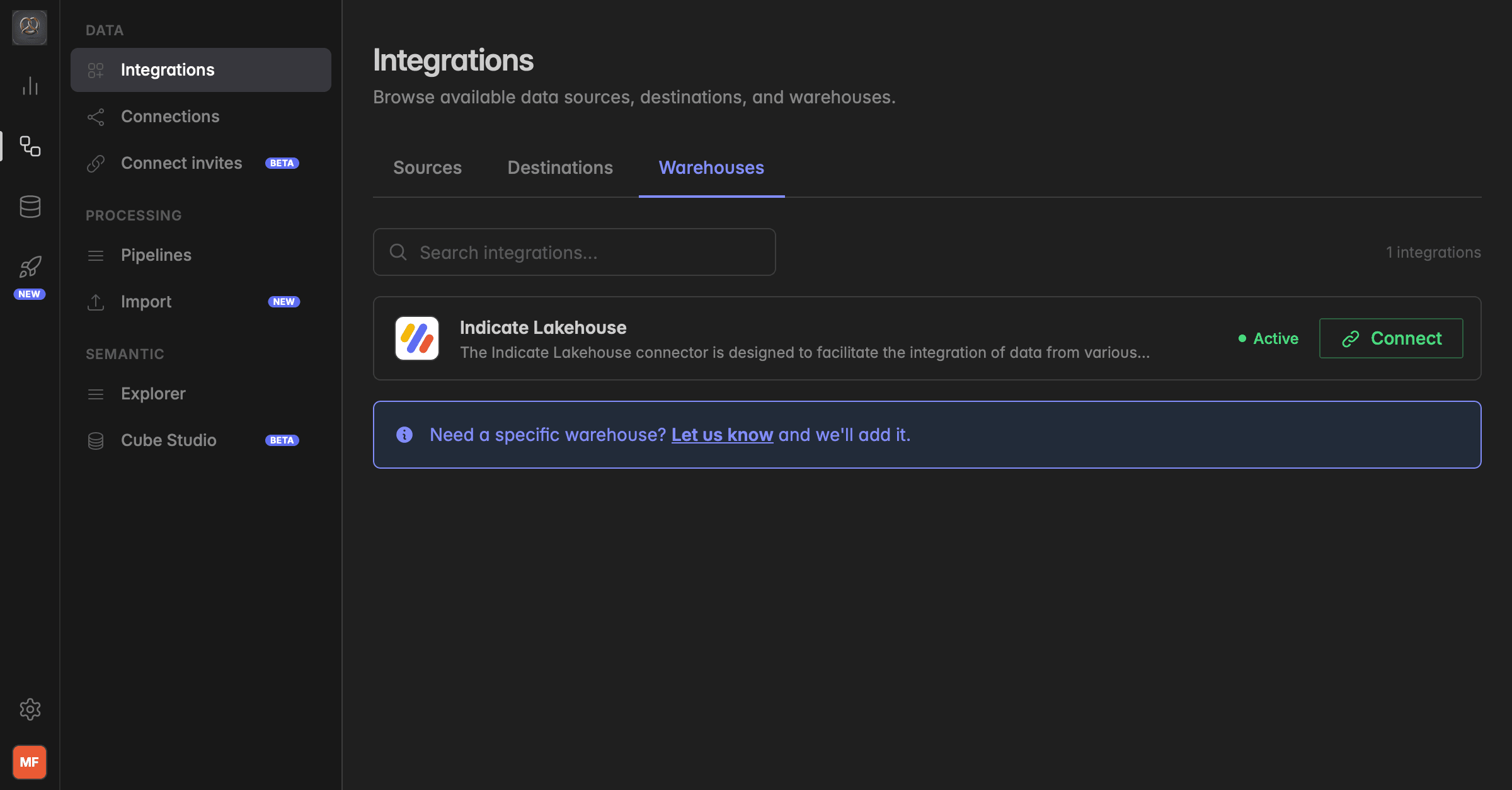
What are warehouses?
Warehouses are the destinations where your data lands after it flows through Indicate. This page is the catalog of all warehouses that can be connected to your Space.
Indicate is built modular. The Indicate Lakehouse is pre-connected by default, but the system is designed so you can plug in your own warehouse and use it as a destination for your data links instead.
The Indicate Lakehouse is the recommended destination. Performance with our other features (BI, dashboards, AI) is best when your data lives in the Indicate Lakehouse.
Why does this matter?
You want full control over where your data is stored (compliance, existing infrastructure, internal policies)
You already run a central warehouse and want Indicate to write into it
You want the fastest path to value and stick with the pre-connected Indicate Lakehouse
Where to find this page
Navigate to Engineering → Data → Integrations → Warehouses.
This page shows every warehouse type available to connect to your Space. To see the warehouses you have already connected and their status, go to your active connections page.
Indicate Lakehouse
Pre-connected by default for every Space
Can be selected as the destination when you create a data link
No setup required
Connecting a warehouse
Open the warehouse you want to connect from this page
Provide host, database, user, and write access
Save the connection and select it as a destination when creating a data link
Was this helpful?