
Appearance
Customize how Indicate looks for you. Choose a theme that fits your style.
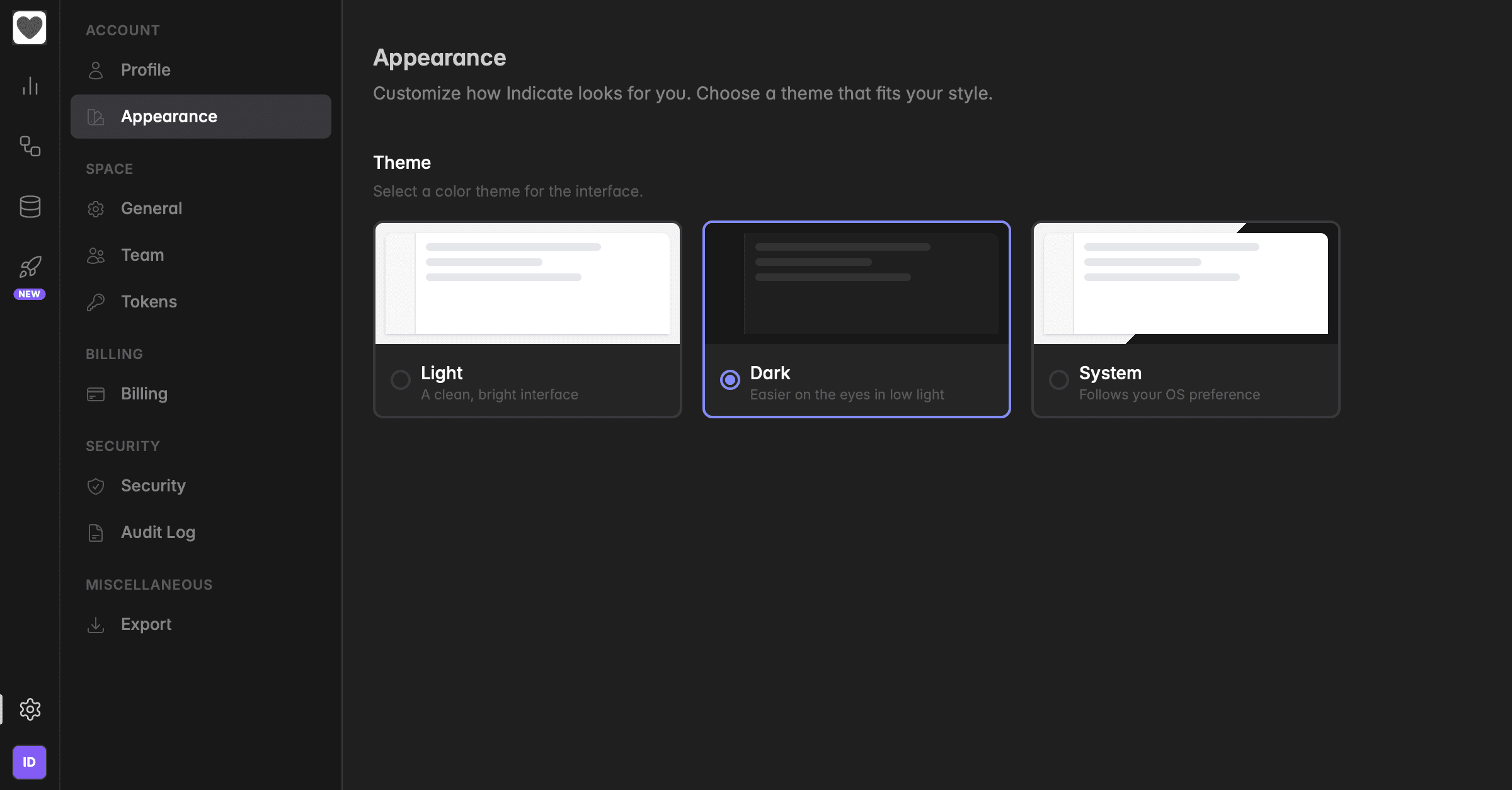
Theme
Indicate offers three themes so you can match the interface to your environment and preference:
Light
A clean, bright interface. Works well in well-lit rooms and on projectors during presentations.
Dark
Easier on the eyes in low light. Recommended for long working sessions.
System
Follows your operating system preference and automatically switches between Light and Dark as your OS does (for example, when your Mac or Windows machine switches modes at sunset).
How to change your theme
Open Settings by clicking the gear icon in the bottom-left corner.
Click
Appearanceunder the Account section in the sidebar.Under
Theme, selectLight,Dark, orSystem.
The change takes effect immediately, there is no Save button. Switch back and forth as often as you like.
Your theme is personal. The theme applies only to your own account. Other team members keep their own preference, and dashboards or shared views render correctly in any theme.
Was this helpful?